 DOTO
Light and fast
About 2.4 MB; opens quickly even on a weak connection.
Buy at the live stage price, deposit USDT and follow your assets, all in one light, fast and secure app.
Pick your device.
Tap “Download for Android” to get DOTO.apk.
Open DOTO.apk from the download notification or the Downloads folder.
If your phone asks, allow installs from this source for your browser. You only do this once.
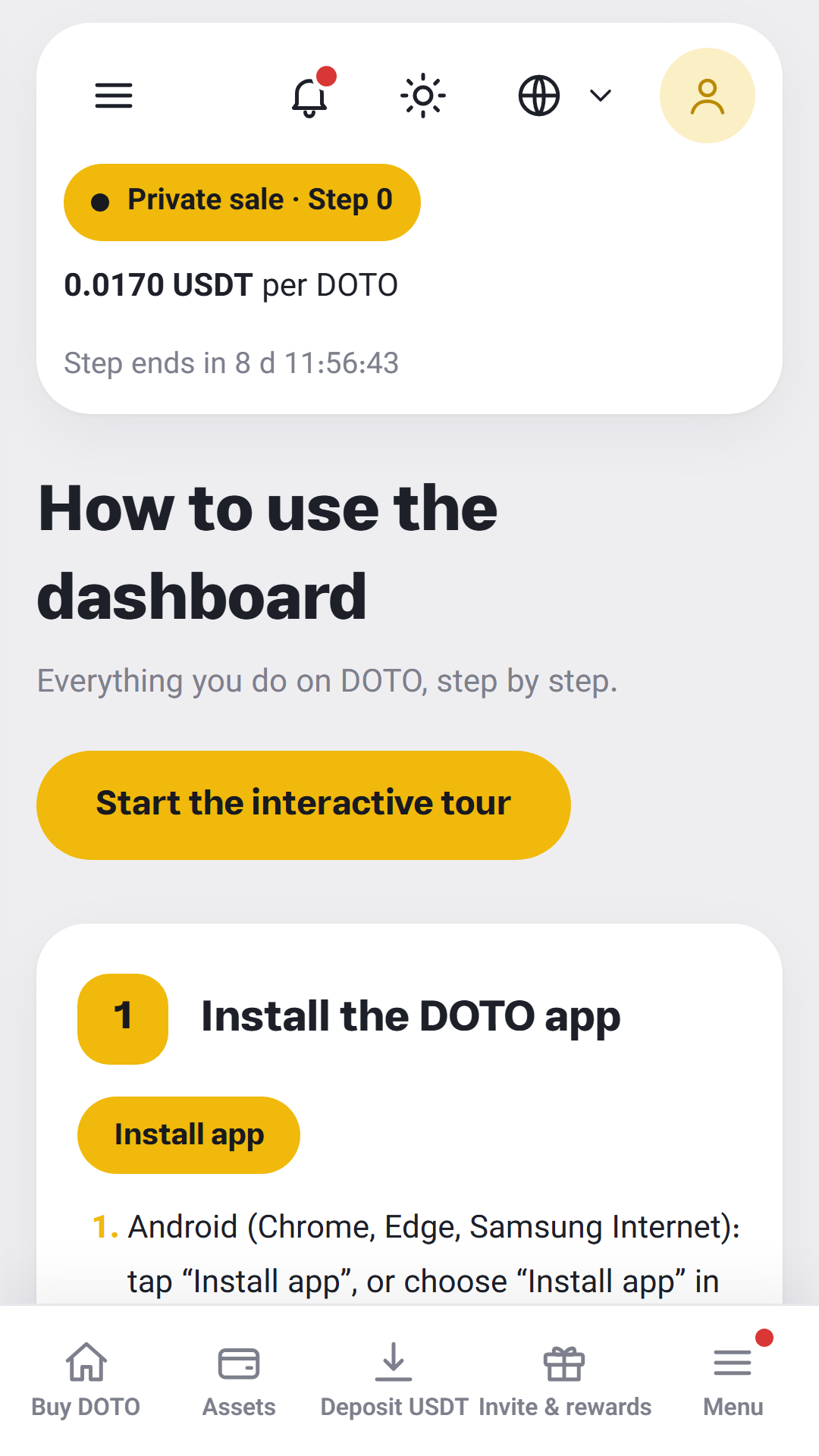
Tap “Install”, open the app and sign in with your email and 6-digit code.
Open this page in Safari; installing from inside Instagram or Chrome is not possible.
Tap the Share button (a square with an up arrow).
Choose “Add to Home Screen” in the list.
Tap “Add”. The DOTO icon appears on your home screen and opens full screen like an app.
Open dotomarkets.com in Chrome or Edge.
Click the install icon in the address bar, or “Install on this device” on this page.
DOTO is added to the Start menu or Dock and opens in its own window.
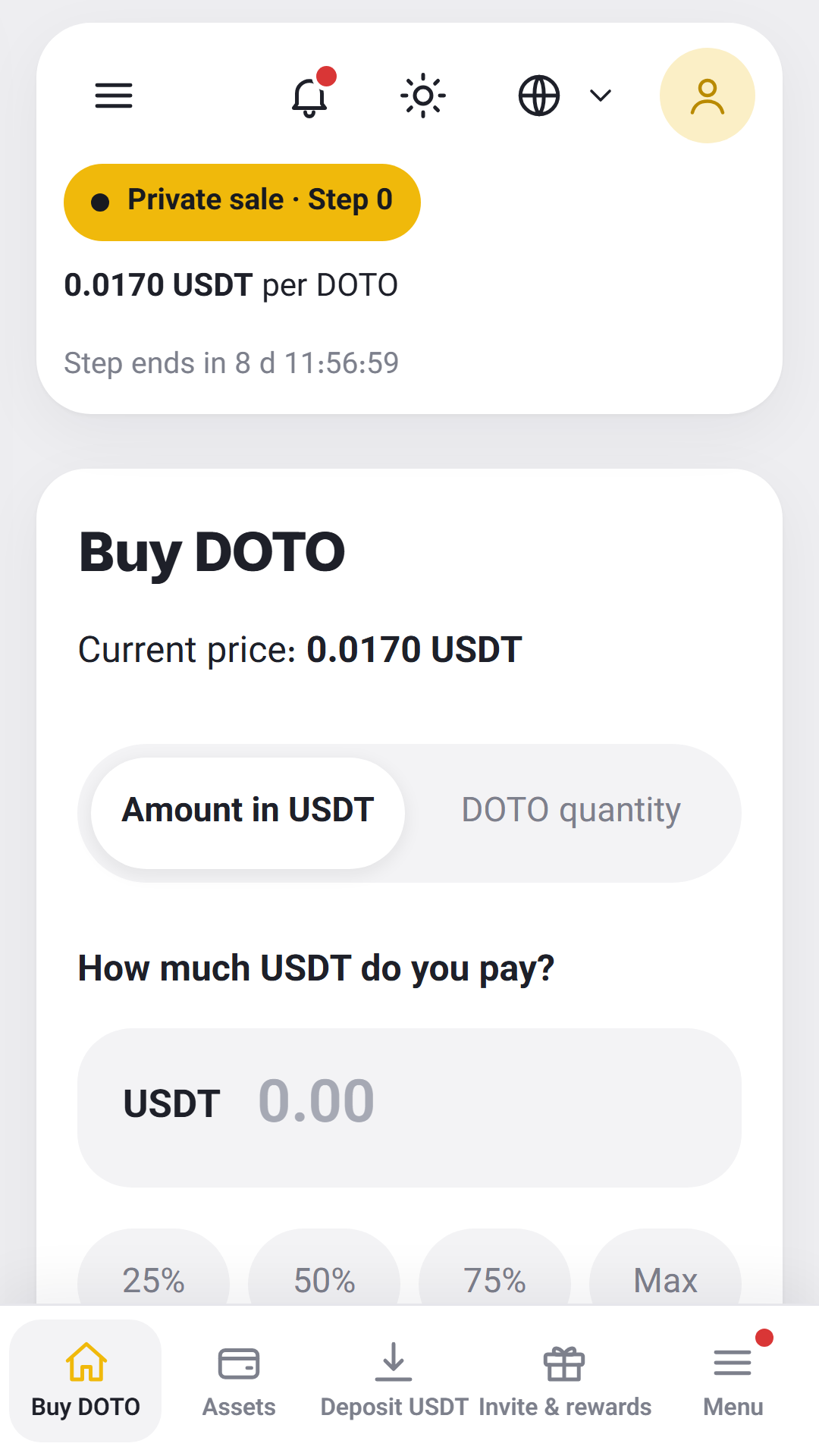
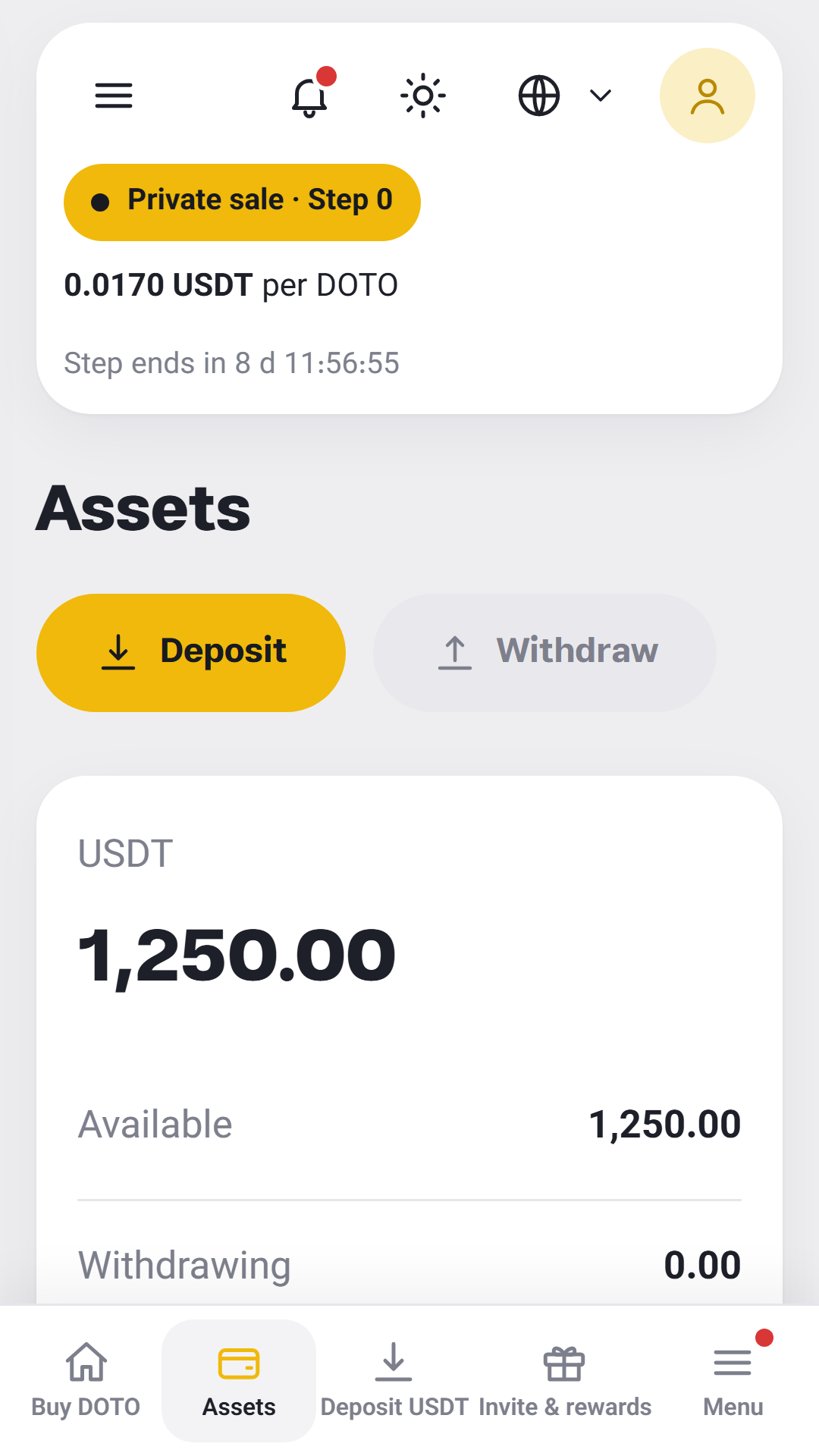
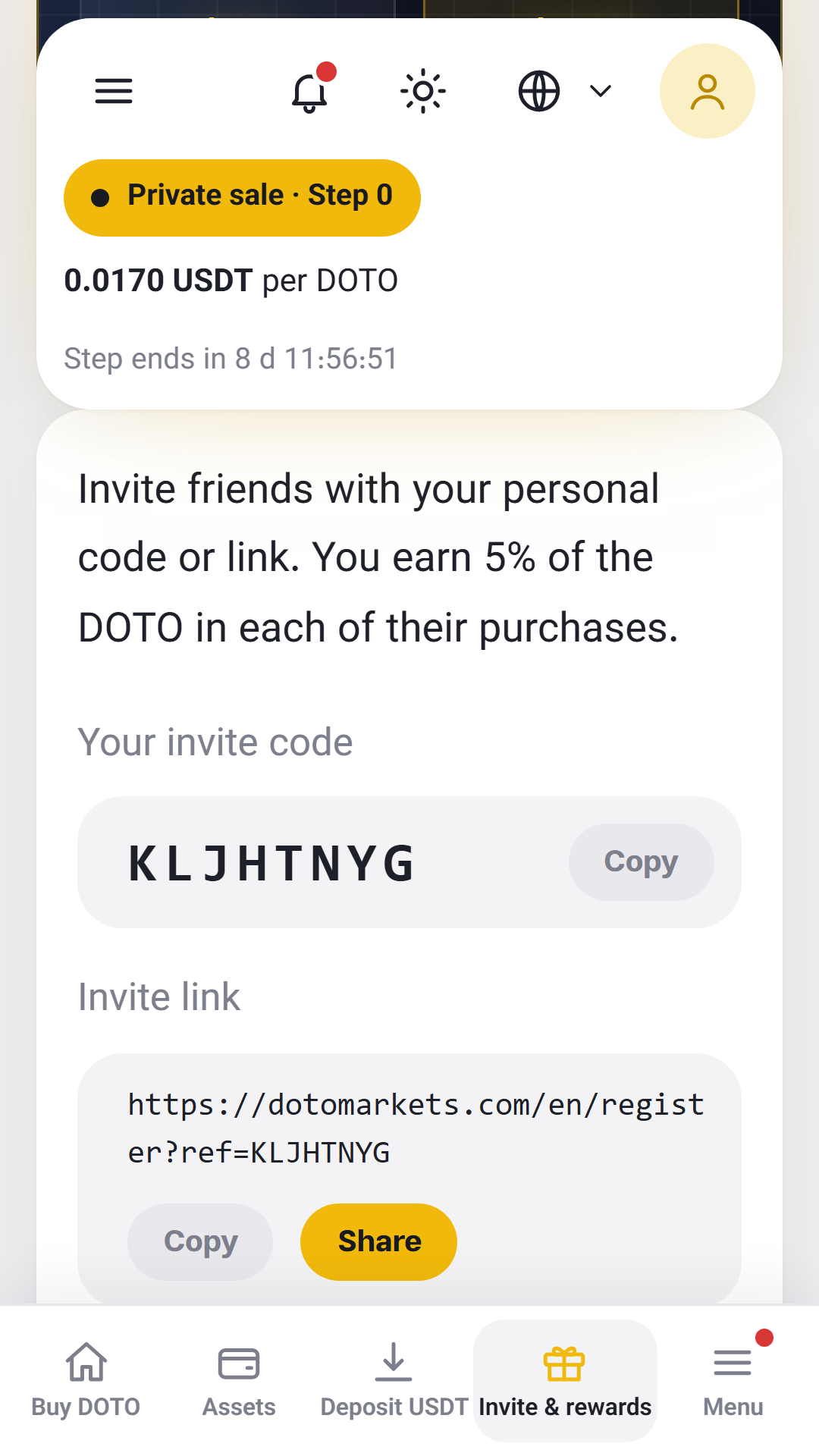
The same dashboard as the website, tuned for your phone.
About 2.4 MB; opens quickly even on a weak connection.
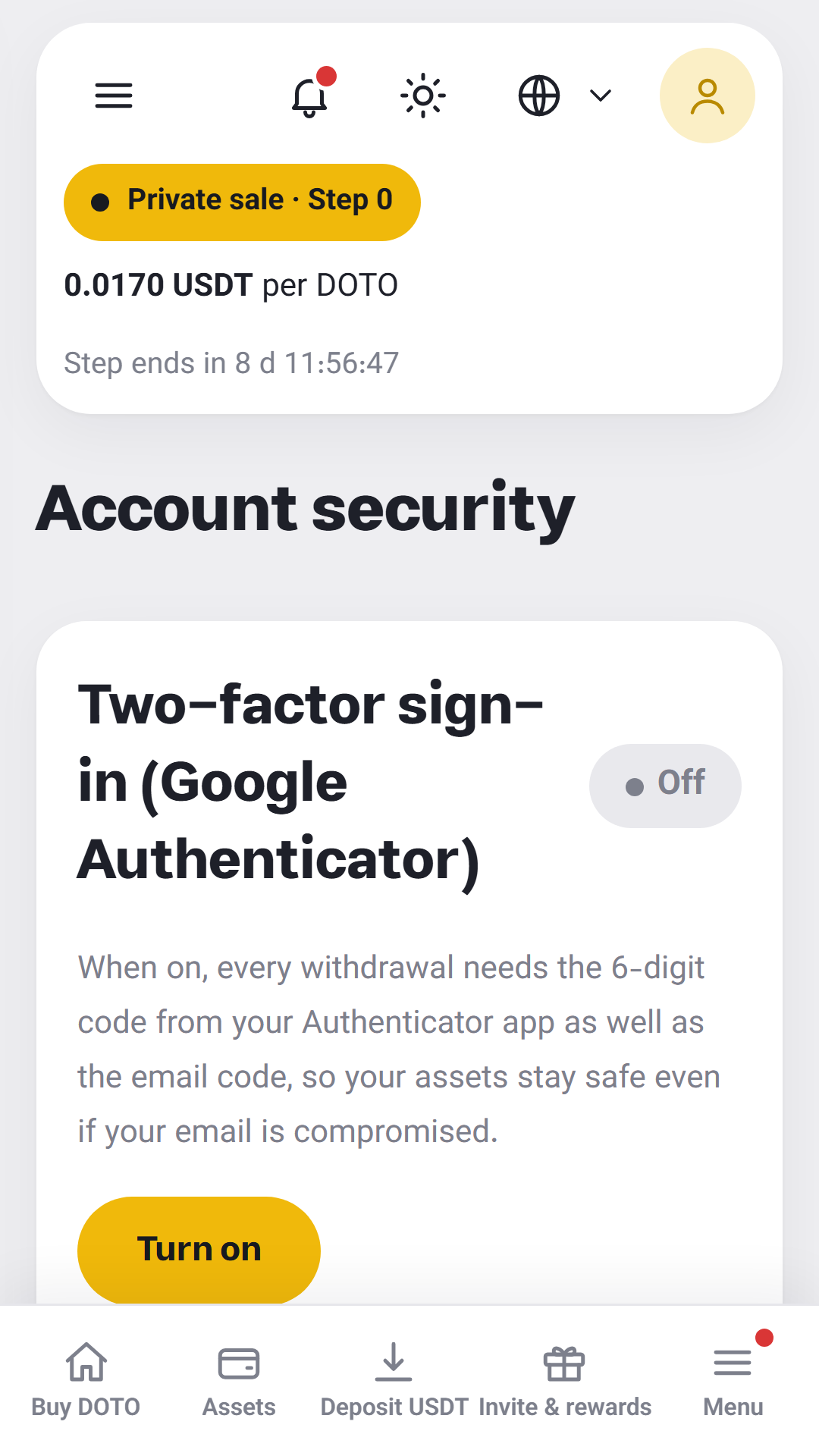
Just your email and a 6-digit code; even safer with Google Authenticator.
The current price and the time left until the next stage, always in view.
Your personal USDT address on BEP-20, with a QR code and a copy button.
Your invite code and rewards, right inside the app.
Website updates reach the app without reinstalling.
Download the DOTO app only from this page. Files shared on Telegram or elsewhere under the DOTO name may be malicious.
com.dotomarkets.app387641734EAC8D8FD4295E3C531A7C6166AC4571B75357008D846ACF853E86E7
To be sure the file is genuine, compare the hash of the downloaded file with this value.
The DOTO Android app is published directly on this page for now. Get the official signed file only here and avoid other links.
Android shows this for any app installed outside a store. If you got the file from this page it is safe, and you can switch the permission off again after installing.
Usually not. The app's content comes from the website, so changes reach it automatically. If a new build is ever needed, it will be announced here.
Yes. On iPhone and iPad the app is installed from Safari with “Add to Home Screen” and runs full screen.
Yes. Your account, balance and history are the same on the website and in the app; sign in with the same email.